![Formalize-Logo.png]](https://support.formalize.com/hs-fs/hubfs/Formalize-Logo.png?height=33&name=Formalize-Logo.png)
Overview
The Policy module is your centralized workspace for creating clear, consistent organizational policies. It gives you a structured way to draft policies from scratch, define their content, and ensure they follow a standardized format. You can assign owners, add supporting details, and keep everything organized in one place—removing the need for scattered documents or manual versioning.
How to create a Policy
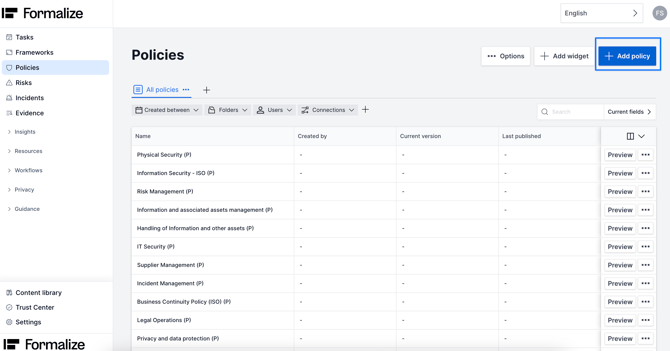
You can find the Policy module in the right-side menu. To create a new policy, click Add Policy and give it a name.
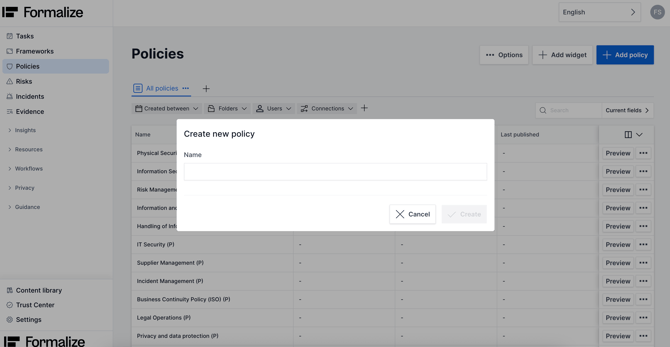
After creating your policy, it will open in Draft mode and start as Version 1.0.
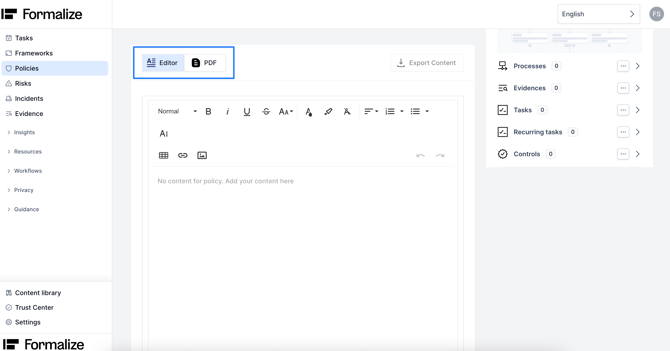
Scrolling down, you’ll see two modes: Editor and PDF.
- Editor: Write and edit your policy directly in the platform.
- PDF: Upload an existing policy as a PDF file.
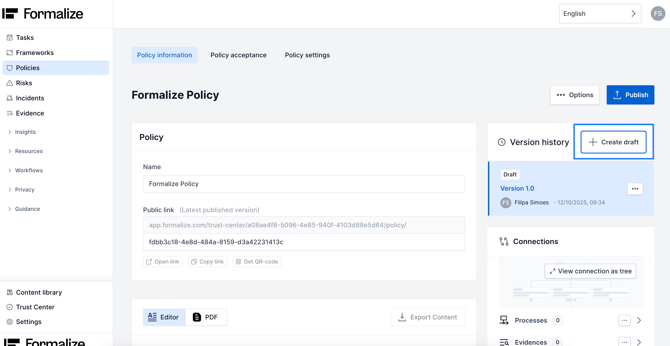
If you need to update a policy while keeping a record of the changes, you should always create a new version.
To do this, click Create Draft and give the new version a name.

by Filipa Simões, Customer Enablement Manager
We hope this article was helpful and that you now have a clear understanding of how to create policies!
If you need additional support, you are welcome to reach out with any questions by email, at support@formalize.com.